Where’s Part 2, you ask (even if you didn’t, behave…). I know I will leave off people and organizations due to time, forgetfulness, etc. Therefore, expect me to share more Twitter accounts in the future.
-
 I call Jennison “The Great Connector,” not just because he’s a Digital Accessibility leader at LinkedIn (get it, connector … LinkedIn), but because he has done so much to start communities in Toronto, the San Francisco bay area, and assist with making accessibility matter in many other cities across the globe, including my hometown, Chicago. Not to mention the co-founder of Global Accessibility Awareness Day (read how it all got started).
-
 Steve is an integral part of what we have with HTML today. Steve posts on the latest nuances with HTML5, ARIA and more. Steve tweets great resources and tips.
-
 Léonie’s powerful presentations, such as “Design like we give a damn!” have become standard study material for up-and-coming accessibility folks. Léonie tweets valuable resources on digital accessibility.
-
 I first became familiar with Marcy during a JavaScript for Everybody presentation. During this presentation, she demonstrated attempting to navigate a recently redesigned airline website that was consider slick. Yet we quickly observed that it wasn’t accessible by all. Marcy’s now an Accessibility Engineer at Adobe, an Angular core team member and curates Accessibility Wins, a blog highlighting great accessibility features of websites.
-
 Billy Gregory is the co-organizer of the Toronto Accessibility Meetup, and an accessibility “guy” at The Paciello Group. You’ll find Billy posting some interesting accessibility stuff, like the tweet that turned into a poster everyone wanted.
-
 Former rocker turned web accessibility consultant and developer, Karl has made a name for himself, first blogging on the perils of accessibility testing, then creating tenon.io, an automated accessibility testing API.
-
 What happens when you place Billy Gregory and Karl Groves together in one place? Accessibility Mayhem! Billy & Karl as the Viking & Lumberjack almost brought the house down at the annual CSUN convention with chants from the crowd of “WTF ARIA!” Their video briefs create awareness of digital accessibility issues in a unique and entertaining way.
-
 Joe is a web developer, accessibility consultant, and WordPress plugin developer. He has aided in moving WordPress towards accessibility as a contributor to Make WordPress Accessible, and WordPress Core.
-
 I met Jordan at WordCamp Milwaukee and had seen his presentations on video. Jordan is as much of an evangelist for accessibility as he is for WordPress. He frequently posts on accessibility, WordPress and the web industry in general.
-
 Henny is an accessible UX, mobile and multimedia currently for the Paciello Group, formally with the BBC. Great tweets with resources to the latest information on accessibility.
-
Derek Featherstone @feather
 I’ve been following Derek when he was one of the early leaders of web standards (think Jeffrey Zeldman – @zeldman). Derek focused on his love for teaching and accessibility. Derek runs Simply Accessible, a team of accessibility specialists changing the perception of accessibility on the web. He posts tidbits and links to presentations and resources, and a wee bit on Scotch.
-
 Paul is continually testing and tweeting on his discoveries when it comes to developing for accessibility. He posts tweets on his latest demos frequently.
-
 Dylan works at Deque and like Paul J. Adams, tweets and retweets a plethora of valuable information on digital accessibility. I’ve found the resources shared to be invaluable.
-
 Like Derek Featherstone, I’ve known of Aaron for seemingly forever. Best known for his work, writings and presentations on progressive enhancement, there’s always a valuable accessibility spin to his teachings. Aaron is the author of Adaptive Web Design and now advocates for web standards & accessibility at Microsoft.
-
 Jared is the Associate Director at WebAim.org, a fantastic resource for digital accessibility. He’s been sharings his knowledge and experience on accessibility for over six years.
-
 Denis is a Senior Web Accessibility Consultant at Simply Accessible. He tweets frequently on his observations, experiences and valuable resources. And wears a mean AD/DC-themed HTML t-shirt.
-
 Jonathan got his start at the BBC, creating the foundation for accessibility that leads all industries today. He is the author of Including your missing 20% and helped author BS8878, the British Standard for accessibility. Jonathan shares valuable tweets and experiences on accessibility.
-
 Author of @EasyChirp & @WebAxe; day job at eBay. Posts and retweet valuable information. Plus, shares my name and my favorite decade of music … the 80s.
-
 Bruce is a self-described Web standards lovegod, co-wrote Introducing HTML5 and works at Opera. He tweets on web standards, accessibility and entertaining oddities. He also spars with Steve Faulkner from time to time.
-
 Sam shares out alot of great accessibility resources and some darn valuable advice from a personal perspective.
-
 Patrick is always seeking and sharing digital accessibility knowledge and tidbits that enrich everyone else’s lives.
-
 Wendy is the co-author of Universal Design for Web Applications and a Strategist for Microsoft. She tweets valuable information and resources.
-
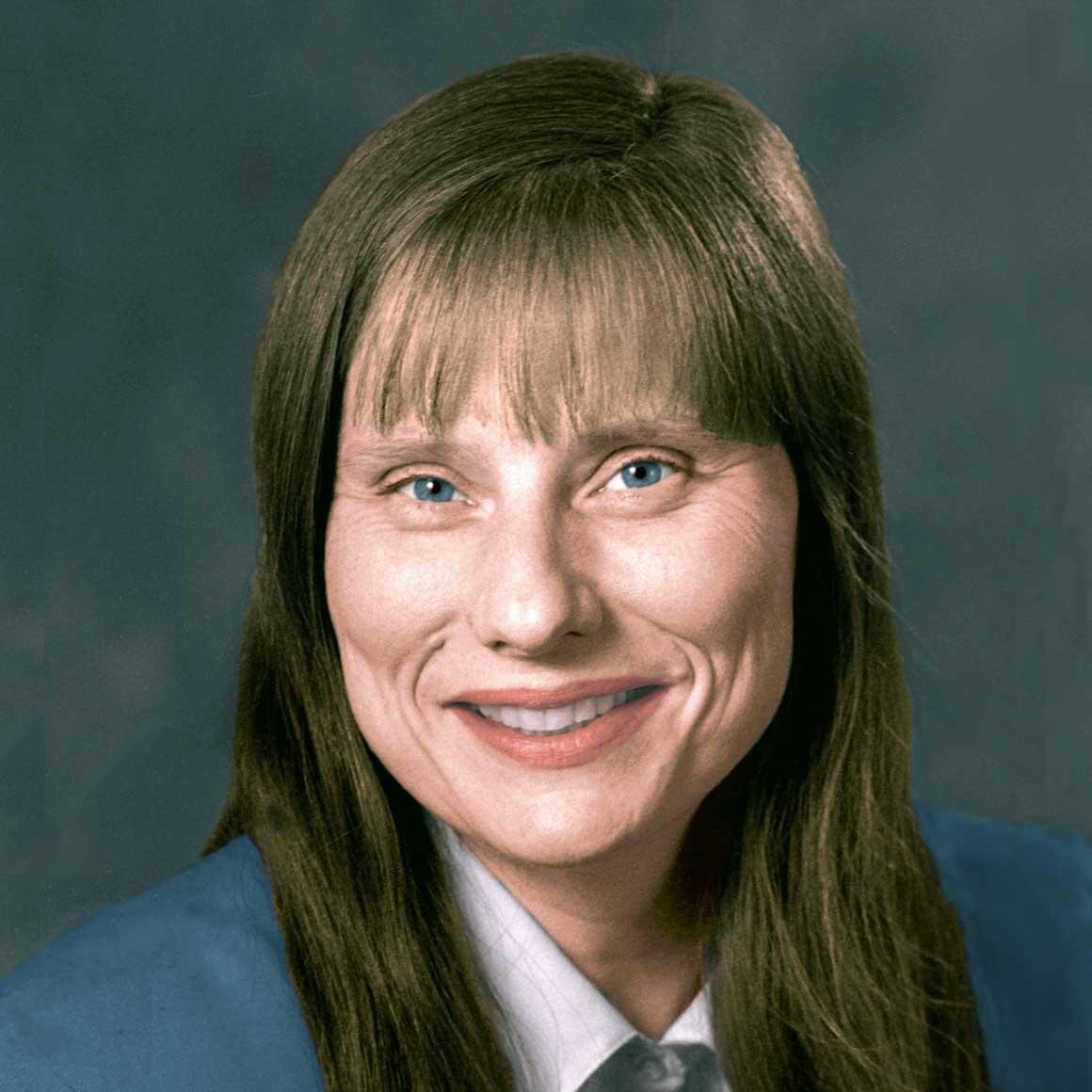 It’s not the number of tweets, it’s that one tweet a week I look forward to. That’s when she announces the latest edition of her Web Design Update, which typically start off with fantastic accessibility resources from the past week.
-
 Every time I see
a post from Adrian, I get excited. Many of his presentation are reference material for me. Then there’s the Homer Simpson moments:
-
 As Lainey’s Twitter handle suggests, Lainey is a disability rights lawyer specializing in digital, tech+ info access. Her posts cover the gamut within the legal realm of accessibility.
-
 Joseph is a leader not only in the accessibility community, but also the WordPress community. In fact, Joseph is a member of the WordPress Accessibility Team.
-
 An authority in the accessibility field, the Paciello Group posts valuable information frequently.
-
 IBM Accessibility is a leading organization related to research and experience in the accessibility field.
-
 Another leading organization in the accessibility field. SSB Bart shares out knowledge in the form of articles & blog posts, presentations, etc.
-
 A unique account that holds weekly Q&A sessions via Twitter using the hashtag #AXSChat.