Note: The creation of this article on testing Pointer Cancellation was human-based, with the assistance of artificial intelligence.
Explanation of the success criteria
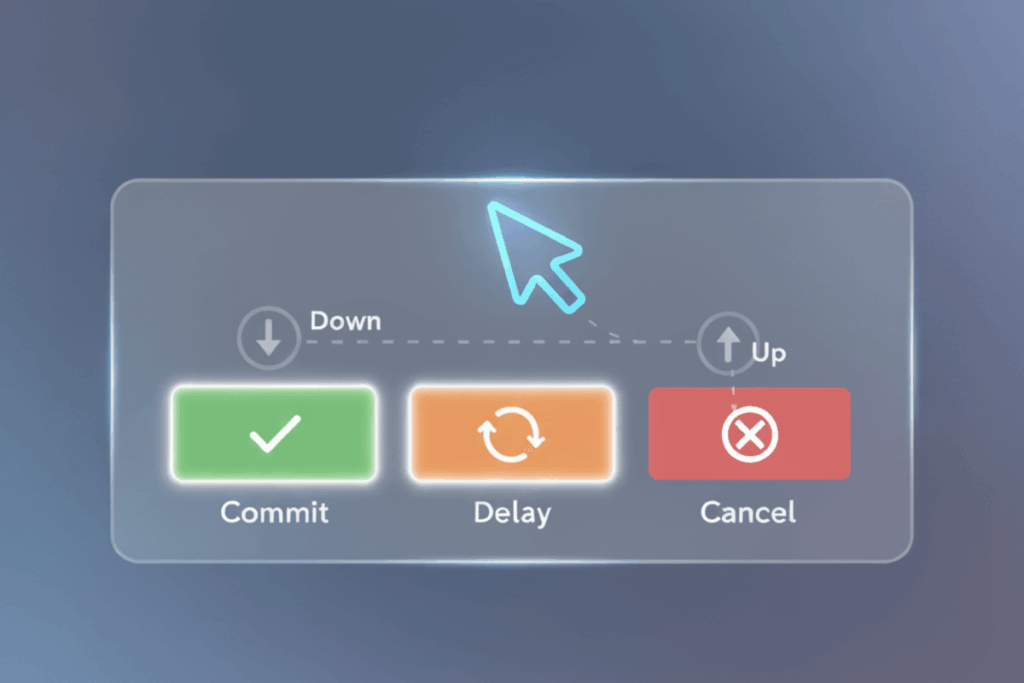
WCAG 2.5.2 Pointer Cancellation is a Level A conformance level Success Criterion. It ensures that users can cancel or reverse pointer actions, taps, clicks, drags, before completing them. The goal is to reduce accidental activations, particularly for users with limited dexterity, tremors, or those relying on assistive devices like styluses, head pointers, or eye-tracking systems. Effective implementation means actions are triggered only when the user intentionally completes a gesture, such as firing on release rather than on initial touch, or that there is an easy method to undo or confirm an action. Beyond compliance, this design philosophy elevates user confidence, minimizes frustration, and supports a broader range of interaction methods across touch, mouse, and stylus interfaces.
Who does this benefit?
- Users with motor or dexterity impairments: Those prone to hand tremors, spasms, or difficulty maintaining steady movement benefit from safeguards that prevent accidental activation.
- Users with cognitive or attention-related challenges: Providing a chance to confirm or cancel actions helps reduce errors stemming from distraction or oversight.
- Users of alternative input devices: Individuals using head pointers, eye-tracking systems, or switch devices are especially prone to unintentional activations without this feature.
- Touchscreen users on small or crowded interfaces: The risk of mis-taps or accidental drags is high, making pointer cancellation essential.
- All users: Even people without disabilities gain from predictable, controllable interactions that prevent unintended purchases, submissions, or deletions.
Testing via Automated testing
Automation is the first line of defense. Tools scan the codebase for pointer event handlers like onclick, onmousedown, or ontouchstart that may trigger actions prematurely. They quickly flag missing safeguards, such as events firing on press instead of release, enabling teams to address systemic risks efficiently. The limitation: automation cannot fully interpret real-world intent or determine if an action can truly be canceled, making it an excellent starting point but insufficient alone.
Testing via Artificial Intelligence (AI)
Artificial intelligence adds a deeper layer of insight. By simulating user gestures, taps, drags, long presses, AI can predict likely errors and highlight interfaces prone to accidental activations. It can also evaluate complex touch interactions or custom UI components, identifying usability risks that static checks miss. However, AI still struggles with subtle human intent and can produce false positives, particularly when interactions are intentionally designed to activate early, such as certain drag-and-drop patterns.
Testing via Manual Testing
Human evaluation is indispensable for capturing the nuances of interaction. Manual testers engage directly with interfaces across multiple devices, mouse, touch, stylus, or assistive technology, to confirm that pointer actions behave predictably and can be reversed or canceled. This hands-on approach uncovers subtle usability issues that automation and AI cannot detect, including confusing gestures, inconsistent feedback, and inaccessible confirmation mechanisms. The tradeoff is time and resource intensity, but the value is clear: real-world validation ensures alignment with WCAG’s intent and delivers meaningful user control.
Which approach is best?
No single method provides complete assurance for WCAG 2.5.2 compliance. A hybrid testing strategy combines the strengths of automation, AI, and manual evaluation for comprehensive coverage.
Automated testing acts as the foundation, scanning the codebase for event handlers like onclick, onmousedown, or ontouchstart that may trigger actions prematurely. These scans quickly flag areas where interactions might lack a safeguard or proper sequencing, such as firing on “press” instead of “release.” This automated layer helps teams identify systemic risks early and integrate checks into CI/CD workflows for continuous monitoring.
AI-based testing then deepens the analysis by simulating realistic user gestures, taps, drags, and long presses, to predict how an interface behaves under varied input conditions. It can assess whether users are given the opportunity to cancel an interaction and detect patterns that often cause unintentional activations, particularly on touchscreens or custom UI components. AI’s ability to model intent and perception helps bridge the gap between static code checks and lived user experience.
Finally, manual testing validates the human side of interaction. Skilled testers engage with the interface using a range of devices, mouse, touch, stylus, or assistive technology, to confirm that pointer actions behave predictably and can be easily canceled or reversed. This hands-on evaluation uncovers subtle usability issues that automation and AI can’t perceive, such as confusing gestures, inconsistent feedback, or inaccessible confirmation steps.
Together, this approach not only meets the technical requirements of WCAG 2.5.2 but also creates a user experience defined by control, predictability, and inclusivity. Organizations that adopt this hybrid methodology move beyond compliance, they design digital interactions that empower every user, regardless of ability or device.