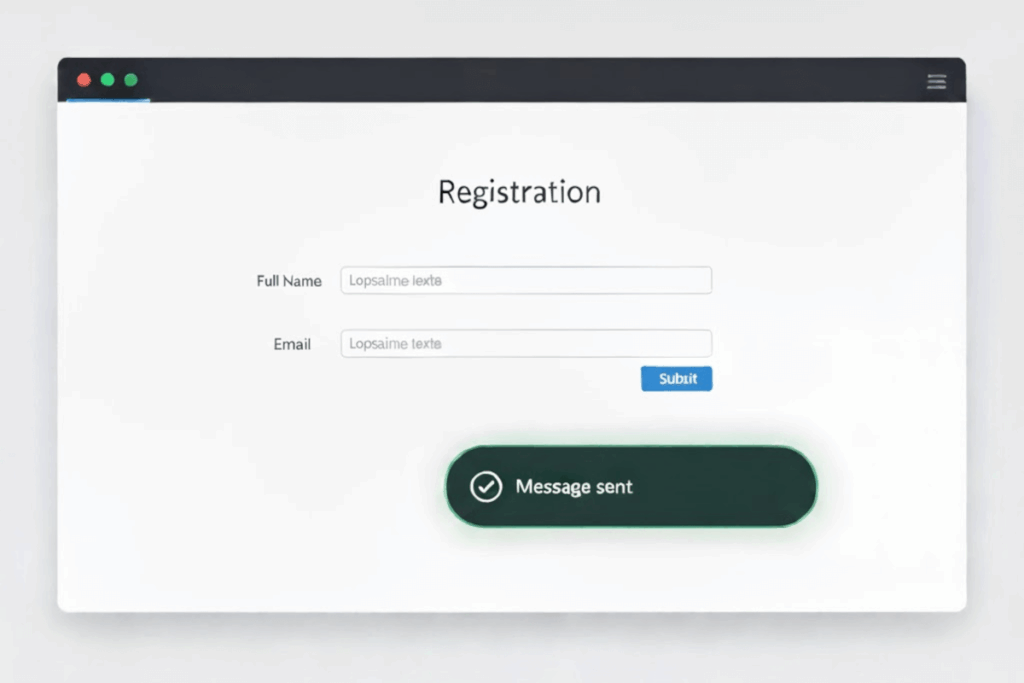
Note: The creation of this article on testing Status Messages was human-based, with the assistance on artificial intelligence.
Explanation of the success criteria
WCAG 4.1.3 Status Messages is a Level AA conformance level Success Criterion. It focuses on ensuring that dynamic content updates are communicated effectively to users of assistive technologies, especially those who rely on screen readers. This criterion requires that when a status message appears, such as a form validation notice, search result update, or confirmation alert, it must be programmatically determined through roles or properties so it can be conveyed without shifting focus.
In practice, this means developers must use accessible methods, such as semantic HTML elements or ARIA live regions to announce updates automatically. The intent is to preserve user context and efficiency, ensuring users don’t miss critical information while navigating or interacting with dynamic interfaces. As digital experiences become increasingly interactive, this success criterion reinforces the need for thoughtful, semantic coding that keeps all users, including those with visual or cognitive disabilities, informed and oriented in real time. It’s a subtle yet powerful example of accessibility driving both usability and inclusive design maturity.
Who does this benefit?
- Screen reader users benefit directly as properly coded status messages are announced automatically, keeping them informed without losing navigation focus.
- Users with low vision gain clarity from visible and programmatically conveyed feedback, reducing the need to hunt for subtle on-screen changes.
- Users with cognitive disabilities experience less confusion when status updates are clearly communicated, helping maintain focus and task flow.
- All users benefit from clearer feedback and smoother interactions, proving that accessibility-driven design improves usability for everyone.
Testing via Automated testing
Automated testing offers efficiency and consistency. Tools can rapidly scan for common implementation patterns, such as missing ARIA live regions or misuse of semantic roles like status, alert, or log. These tests quickly flag markup that fails to communicate updates programmatically. However, automation alone cannot determine whether a message is functionally meaningful, timed correctly, or perceived by the user as intended. Automated tools often miss subtle issues like inappropriate ARIA attributes or poor timing of updates, elements that directly impact the user experience but fall outside strict syntactic validation.
Testing via Artificial Intelligence (AI)
AI-based testing advances the process by identifying behavioral patterns and dynamic changes in the interface. AI can simulate interactions, detect DOM updates, and infer whether feedback elements behave like true status messages. It can also predict accessibility gaps through learned models of good and bad implementations. Yet, AI still struggles with human intent; it may detect that a change occurred but misinterpret its importance or user impact. Without contextual understanding, AI can generate both false positives and false negatives, requiring expert validation to separate technical success from genuine accessibility.
Testing via Manual testing
Manual testing remains the gold standard for confirming compliance and usability. Accessibility professionals using assistive technologies, such as screen readers or voice interfaces, can verify whether users actually receive and understand dynamic updates. Manual testers can assess timing, tone, clarity, and contextual relevance, factors no tool can fully replicate. The tradeoff, however, is time and scalability. Manual testing demands human expertise, careful scenario construction, and repeated validation across devices and assistive technologies.
Which approach is best?
A truly effective hybrid approach to testing WCAG 4.1.3 Status Messages blends the precision of automation, the insight of AI, and the empathy of human evaluation to ensure that dynamic updates are not only technically correct but genuinely accessible in real-world use.
The process begins with automated testing to establish a baseline, scanning for key indicators such as the presence of role="status", aria-live attributes, or other programmatic announcements. Automation efficiently identifies missing or misapplied markup, uncovering structural flaws that would prevent assistive technologies from detecting updates at all.
Next, AI-based testing extends beyond syntax into context. AI can simulate real user interactions, submitting forms, filtering lists, or performing searches, to observe when and how content changes. By monitoring DOM events, timing patterns, and focus behavior, AI can predict whether those changes would be meaningful to users. It can even rank the likelihood that a status message is truly perceivable or relevant, helping testers prioritize where human review is most needed. This step bridges the gap between machine validation and user-centered insight, allowing for more targeted and intelligent testing cycles.
Finally, manual testing validates the human experience. Skilled accessibility testers use screen readers and other assistive technologies to confirm that messages are announced at the right time, with appropriate tone, clarity, and context. They can identify whether alerts interrupt workflow, whether information is redundant or confusing, and whether the experience aligns with user expectations. Manual testing also captures edge cases—like delayed messages, hidden updates, or custom widgets, that AI and automation may misinterpret.
By orchestrating these three layers, teams achieve a powerful balance of scalability, intelligence, and authenticity. Automated and AI tools handle the broad detection work, freeing experts to focus on high-impact manual evaluations that confirm usability and inclusivity. This hybrid approach doesn’t just test WCAG 4.1.3, it operationalizes accessibility as a continuous, intelligent practice that evolves with digital innovation and user diversity.
This concludes our review of WCAG success criteria through version 2.2, highlighting key differences and demonstrating how a strategic blend of automated, AI-driven, and manual testing delivers both efficient and impactful accessibility results.
Related Resources
- Understanding Success Criterion 4.1.3 Status Messages
- mind the WCAG automation gap
- Providing success feedback when data is submitted successfully
- Providing text descriptions to identify required fields that were not completed
- Providing a text description when the user provides information that is not in the list of allowed values
- Providing a text description when user input falls outside the required format or values
- Providing suggested correction text
- Providing spell checking and suggestions for text input
- Providing help by an assistant in the web page
- Using role=status to present status messages
- Using ARIA role=alert or Live Regions to Identify Errors
- Using role=log to identify sequential information updates