Note: The creation of this article on testing Consistent Identification was human-based, with the assistance on artificial intelligence.
Explanation of the success criteria
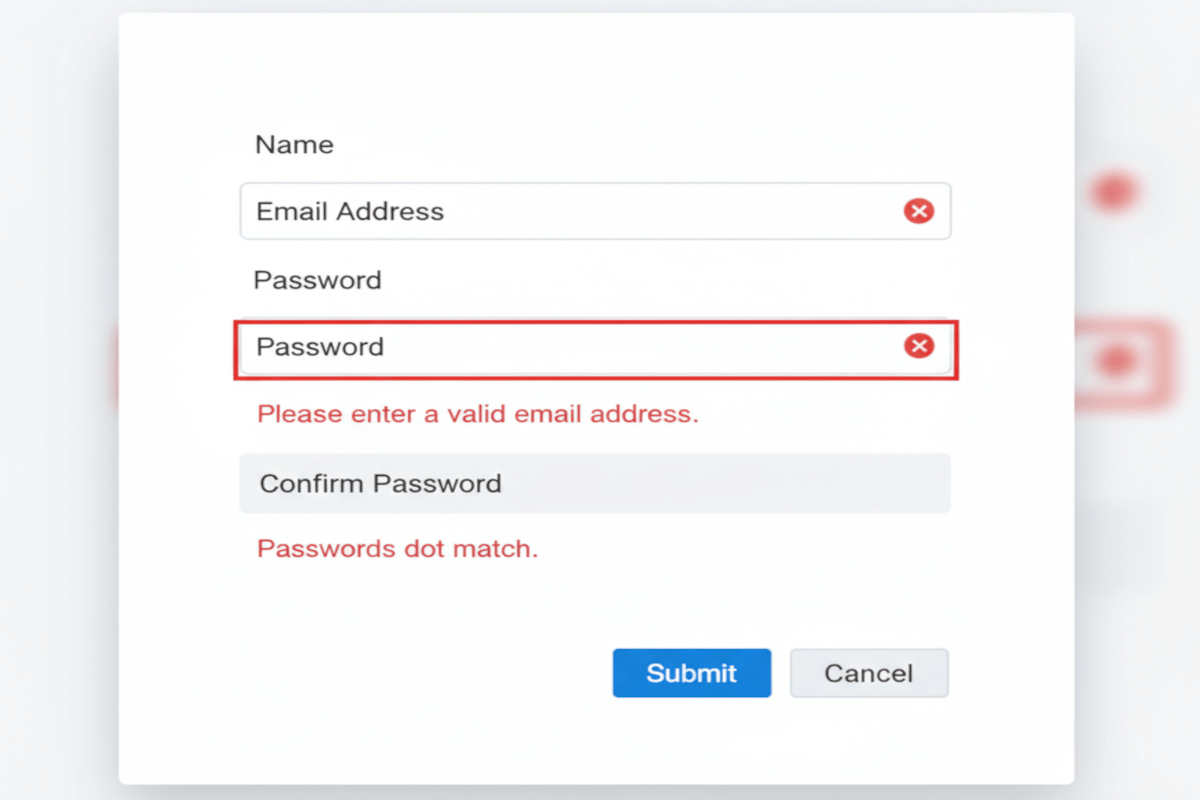
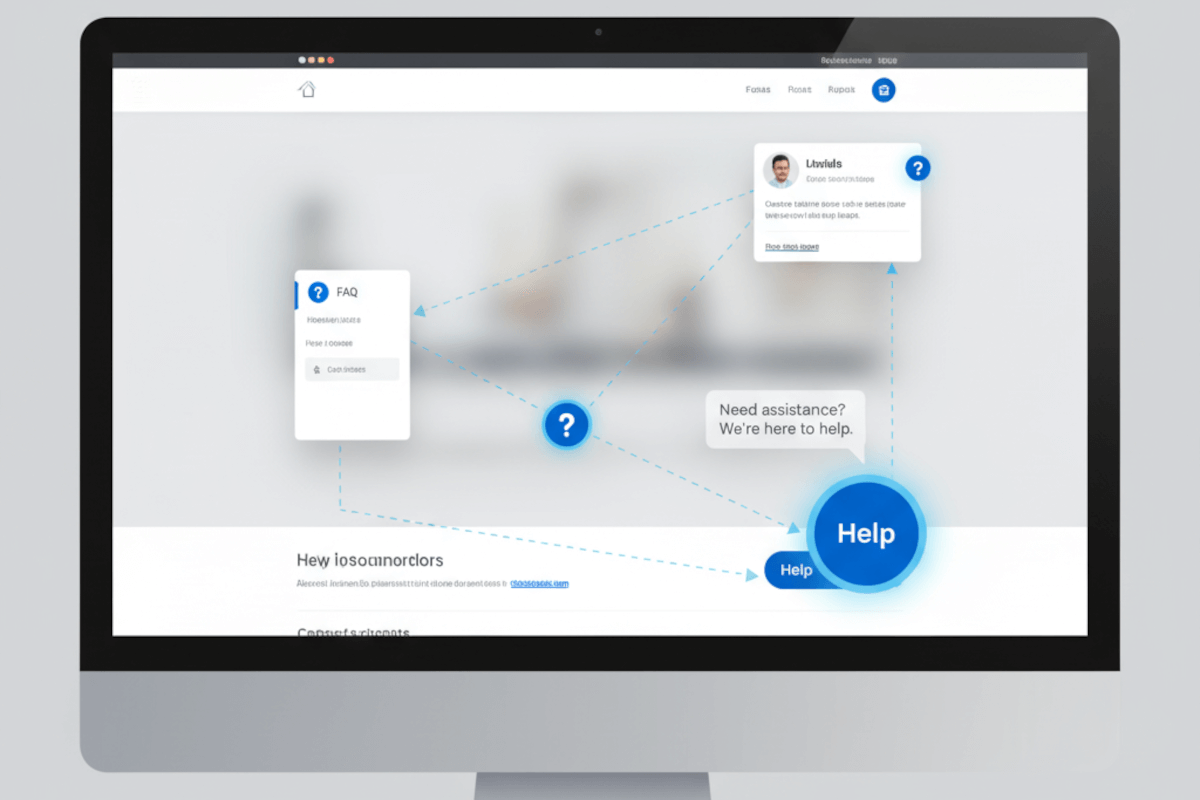
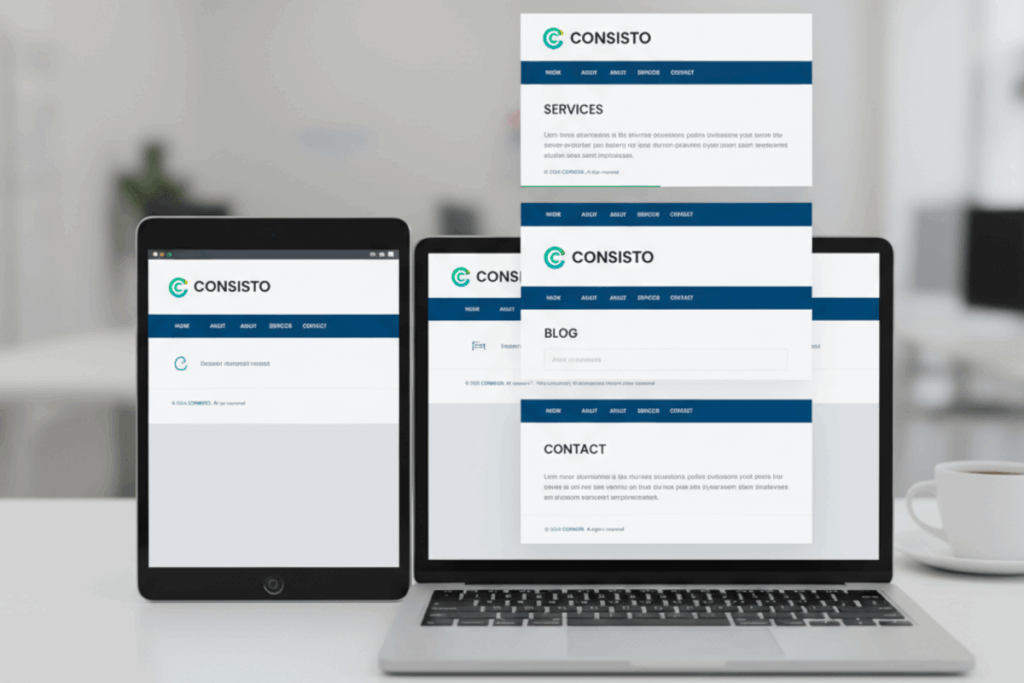
WCAG 3.2.4 Consistent Identification is a Level AA conformance level Success Criterion. It is designed to ensure that components with the same functionality are consistently identified across a digital experience. This principle addresses the cognitive load and potential confusion users face when similar elements, such as buttons, links, form controls, or navigation items, appear or behave differently on separate pages or sections.
Consistent Identification promotes predictability, making interfaces more intuitive and accessible for all users. By standardizing visual cues, labels, and behavior patterns, organizations can reduce user errors, streamline navigation, and create a cohesive, inclusive experience. Testing for this criterion requires not only verifying that elements are labeled consistently but also ensuring that their interactive behavior aligns with user expectations, reinforcing clarity and trust across the entire site or application.
Who does this benefit?
- Users with cognitive disabilities: Consistent labeling and behavior reduce confusion and make interfaces predictable, helping them complete tasks efficiently.
- Users with low vision: Standardized visual cues, icons, and labels improve recognition across pages and components.
- Keyboard and assistive technology users: Predictable interactive patterns ensure smoother navigation and minimize errors.
- New or infrequent users: Familiar, consistent identifiers reduce the learning curve and enhance confidence when using digital platforms.
- Organizations and designers: Clear, uniform identification strengthens usability, builds trust, and reduces support requests and user frustration.
- All users: Even those without disabilities benefit from an intuitive, seamless experience that prioritizes clarity and consistency.
Testing via Automated testing
Automated testing excels at quickly scanning large volumes of content to detect obvious inconsistencies in labels, roles, or code patterns, such as mismatched ARIA attributes or duplicate IDs. Its advantage lies in speed and scalability, but it often lacks context, failing to capture subtler inconsistencies in visual presentation, phrasing, or behavior that impact real-world user comprehension.
Testing via Artificial Intelligence (AI)
AI-based testing adds a layer of intelligence by analyzing patterns across the interface, predicting potential user confusion, and flagging inconsistencies in terminology, iconography, and interaction design. This method provides valuable context and prioritization insights, yet its accuracy depends on the quality of the training data and it may occasionally misinterpret design intent or accessibility nuances.
Testing via Manual testing
Manual testing remains indispensable for confirming real-world usability, as human evaluators can assess whether components genuinely feel consistent to users, evaluate the semantic clarity of labels, and detect issues that automated tools and AI might miss. The downside is that manual testing is time-intensive and less scalable.
Which approach is best?
The most effective approach to testing WCAG 3.2.4 Consistent Identification leverages a hybrid methodology that combines automated, AI-based, and manual testing to deliver a thorough and actionable assessment.
The process begins with automated testing, which rapidly scans the digital interface to identify technical inconsistencies such as duplicate IDs, mismatched ARIA roles, or inconsistent coding patterns across similar components. This initial pass establishes a broad view of potential issues and highlights high-risk areas for deeper analysis.
Next, AI-based testing evaluates these findings in context, analyzing patterns in labels, icons, button behaviors, and other interactive elements to predict where users might experience confusion or disorientation. AI can prioritize inconsistencies by likely impact, helping teams focus on elements that affect usability the most, while also suggesting potential refinements for maintaining clarity and predictability.
Finally, manual testing validates both automated and AI-identified issues through hands-on assessment, using keyboard navigation, screen readers, and other assistive technologies to ensure that components truly behave and appear consistently for real users. This stage also considers cognitive load, semantic clarity, and visual recognition, capturing subtle nuances that machines cannot fully interpret.
By integrating these three methods, organizations achieve a comprehensive evaluation, ensuring that every interactive element is reliably identified, predictable, and inclusive, resulting in a digital experience that is both accessible and user-friendly.