Note: The creation of this article on testing Error Identification was human-based, with the assistance on artificial intelligence.
Explanation of the success criteria
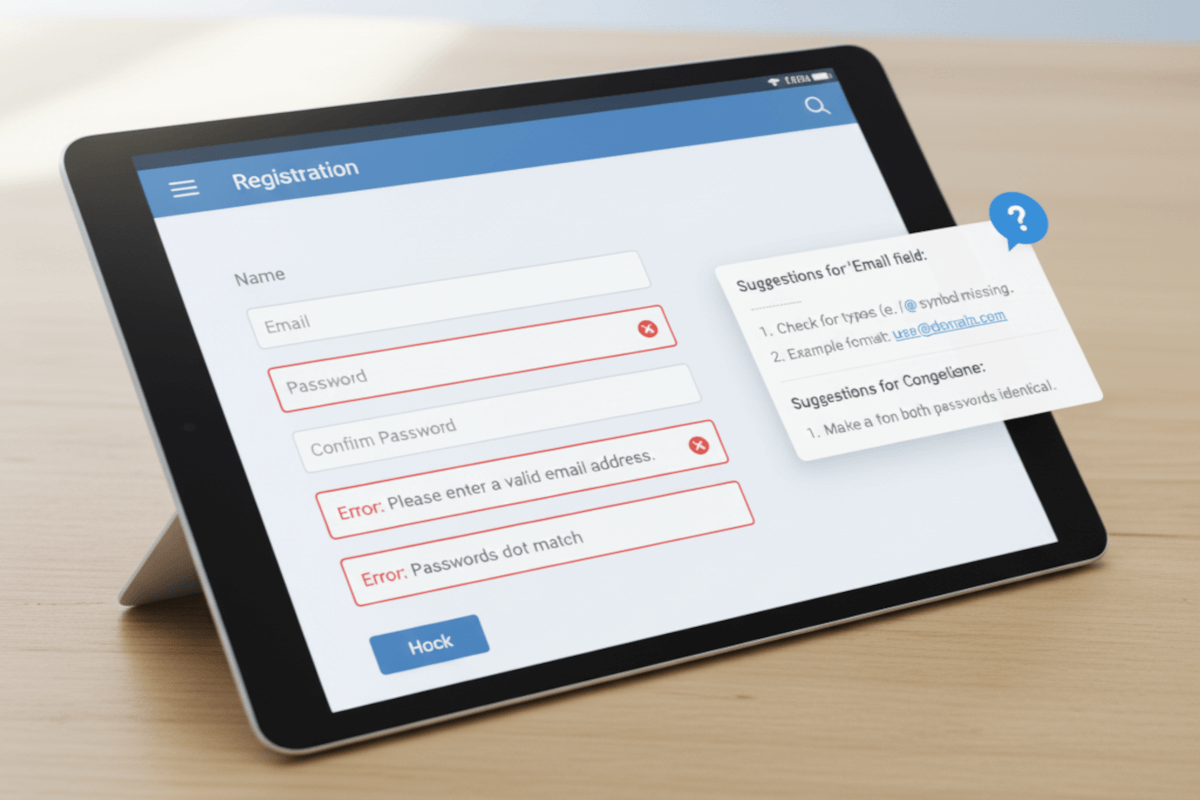
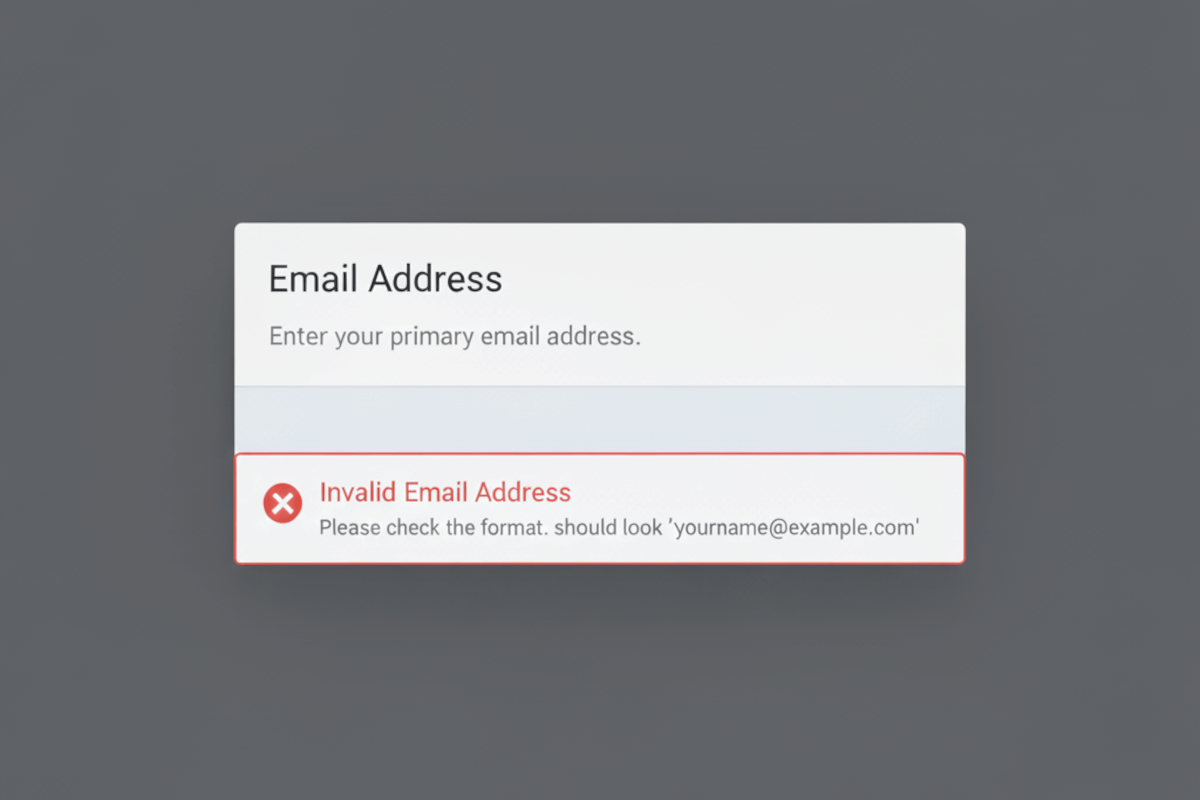
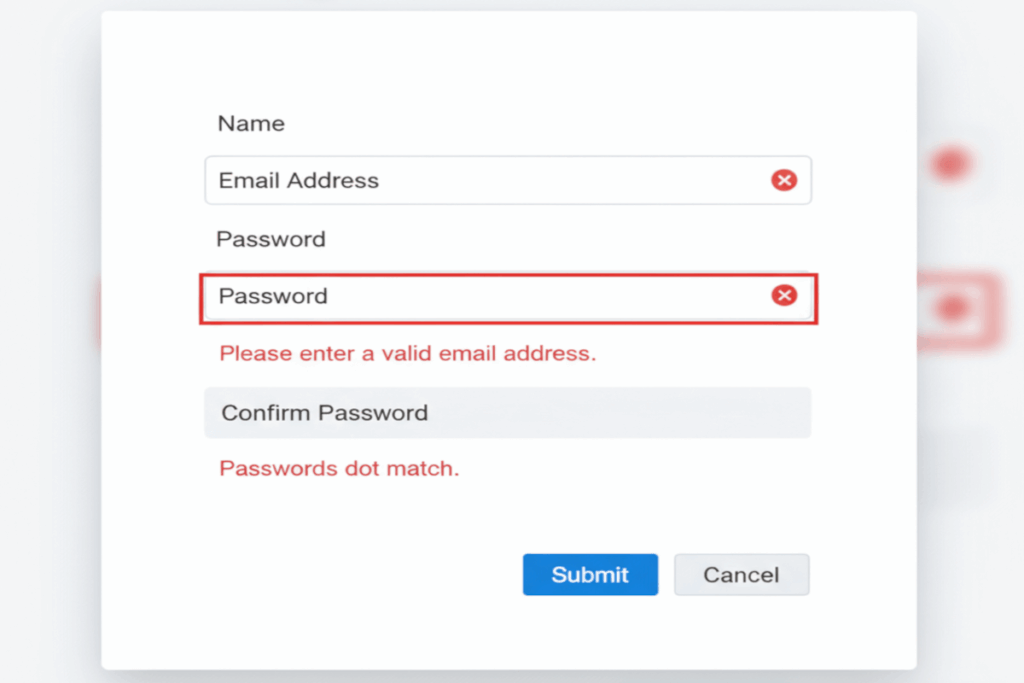
WCAG 3.3.1 Error Identification is a Level A conformance level Success Criterion. It highlights the importance of clear, actionable feedback when users make mistakes. It requires that any input error be automatically detected and described to the user in text, ensuring they can understand what went wrong and how to fix it.
This criterion isn’t just about meeting accessibility standards, it’s about designing with empathy and usability in mind. When errors are properly identified, users with disabilities such as low vision, cognitive impairments, or screen reader reliance can navigate forms, applications, and interactions with confidence. Effective error identification reduces frustration, prevents abandonment, and enhances trust in digital experiences. By prioritizing clarity and precision in how errors are communicated, organizations build more inclusive, human-centered interfaces that serve everyone better.
Who does this benefit?
- People with visual impairments benefit when errors are described in text, allowing screen readers to convey exactly what needs correction.
- Users with cognitive or learning disabilities gain clarity through clear, consistent error messages that guide them toward successful completion.
- People with limited attention or memory stay on track when input mistakes are highlighted clearly, preventing confusion or missed steps.
- Users who are new to technology or a digital service experience less frustration when the interface explains errors in plain, actionable language.
- Developers and designers gain valuable insights from testing, learning how clear error handling improves user satisfaction and reduces support requests.
- Organizations strengthen user trust and retention by ensuring their digital experiences are forgiving, transparent, and user-focused.
- Everyone benefits from accessible error identification, it leads to cleaner interfaces, better communication, and a smoother, more inclusive user journey.
Testing via Automated testing
Automated testing offers efficiency and scale. It can quickly scan large sets of pages or applications to flag missing form labels, unassociated error messages, or improperly coded validation feedback. This breadth makes it indispensable for early-stage assessments and continuous monitoring. However, automation can only confirm the presence of technical hooks, not whether the error messages themselves are clear, useful, or perceivable in context. It identifies the “what,” but rarely the “why” or “how it impacts” the user experience.
Testing via Artificial Intelligence (AI)
AI-based testing takes automation further by applying pattern recognition and language analysis to evaluate error feedback more intelligently. It can assess whether an error message appears near its related input field, uses plain language, or aligns with established accessibility best practices. AI can even simulate how assistive technologies might interpret these errors, offering predictive insights into usability barriers. Yet, while promising, AI still lacks the full nuance of human judgment, it can misinterpret context, cultural tone, or complex interaction flows, especially when dynamic validation or conditional logic is involved.
Testing via Manual testing
Manual testing remains the cornerstone of verifying true accessibility. Human testers, especially those experienced in assistive technology or with lived disability experience, can evaluate whether users actually understand and can recover from an error. They assess readability, tone, placement, and timing, factors no algorithm can reliably quantify. Manual testing, however, is time-consuming and resource-intensive. It requires trained expertise and thoughtful interpretation, making it less scalable but far more insightful.
Which approach is best?
A hybrid approach to testing WCAG 3.3.1 Error Identification harnesses the combined strengths of automation, AI, and human expertise to deliver both depth and precision in accessibility evaluation.
It begins with automated testing as the foundation, scanning broad digital landscapes to identify missing or incorrectly coded form labels, ARIA associations, and error message containers. This phase establishes a baseline of technical compliance, surfacing the mechanical issues that often underlie accessibility breakdowns. Automation’s role is not to provide the final answer, but to clear the noise and pinpoint areas where deeper analysis is needed.
Next, AI-based testing refines and contextualizes those findings. Using natural language processing and pattern recognition, AI evaluates whether error messages are meaningful, specific, and appropriately linked to their input fields. It can detect ambiguous or jargon-heavy language, assess proximity between input fields and their related error messages, and simulate assistive technology output to anticipate user challenges. AI’s real value lies in its ability to bridge the technical and experiential gap, flagging potential comprehension barriers or usability inconsistencies that raw code checks can’t see.
Finally, manual testing validates the human reality of the experience. Testers interact with forms using assistive technologies such as screen readers, voice input, or keyboard navigation to confirm whether errors are announced clearly, presented in a logical order, and genuinely help the user recover from mistakes. They assess readability, tone, timing, and the emotional impact of the messaging, elements that define whether an interface feels intuitive or alienating.
This hybrid methodology ensures both accuracy and empathy in testing outcomes. Automated tools provide scale, AI adds intelligence and context, and manual evaluation anchors findings in lived experience. Together, they transform compliance testing into a holistic, human-centered practice that not only meets WCAG 3.3.1’s standards but also elevates digital design into an inclusive, user-trusting experience.
Related Resources
- Understanding Success Criterion 3.3.1 Error Identification
- mind the WCAG automation gap
- Writing Accessible Form Messages
- Providing text descriptions to identify required fields that were not completed
- Identifying a required field with the aria-required property
- Using aria-invalid to Indicate An Error Field
- Providing client-side validation and alert
- Indicating required form controls in PDF forms
- Using aria-alertdialog to Identify Errors
- Using ARIA role=alert or Live Regions to Identify Errors
- Using aria-invalid to Indicate An Error Field
- Providing a text description when the user provides information that is not in the list of allowed values
- Providing a text description when user input falls outside the required format or values
- Providing client-side validation and adding error text via the DOM
- Indicating when user input falls outside the required format or values in PDF forms
- Creating a mechanism that allows users to jump to errors
- Providing success feedback when data is submitted successfully